

What you will learn
In this challenge, you will learn how to:
- Find MassThrive through MyChart
- Search for programs by ZIP code
- Read a program card and find contact information
- Call 2-1-1 for more help
Every challenge works the same way.
First, you watch a few videos and read some instructions about how to complete tasks about managing your own healthcare. Then, you practice by helping a character in a scenario. Finally, you will check your new skills to be sure you can do the tasks yourself. You can come back to any challenge at any time.
You are not being graded and there is no time limit.
Watch & Learn
There are four steps here to help you find community resources. If you are on a computer, select each step by clicking on it. If you are on a phone, use the drop down to select each step.
Step 1: Open the MyChart app and tap the Menu icon.
Step 2: Look for MASSTHRIVE Community Resources in the Resources section.
The MassThrive website opens inside your phone's browser.
You can also go directly to the website by typing www.massthrive.org into your web browser.
Step 3: Choose your preferred language by using the Language dropdown.
Step 1: On the MassThrive homepage, you can search by type of resource, like food or rent, and by zip code.
Step 2: To search for services in your area, type your ZIP code and tap Search. A ZIP code is the five-number code for your neighborhood (example: 02118 for the South End in Boston).
Step 3: Choose a category, like Food, Housing, or Transportation. You will see a map with nearby resources and a list of programs with additional information like address and phone number.
Step 4: You can refine your results using the filters. Program filters let you choose how you’d like to contact the organization, when they are open, whether they are free or at a reduced cost, and your language preference.
Personal filters let you provide information about yourself that will help match you with helpful programs.
Income eligibility finds programs based on your income and the number of people in your household.
Step 1: You can see some information about the programs in the search results. To see additional details, tap the name of the program. Read the program description to see what help they offer. Scroll down to find the phone number, address, and hours.
Step 2: If you want to contact the program through the website, tap Contact Program. Choose whether you’re looking for help for yourself or someone else. Then enter your information and submit the form.
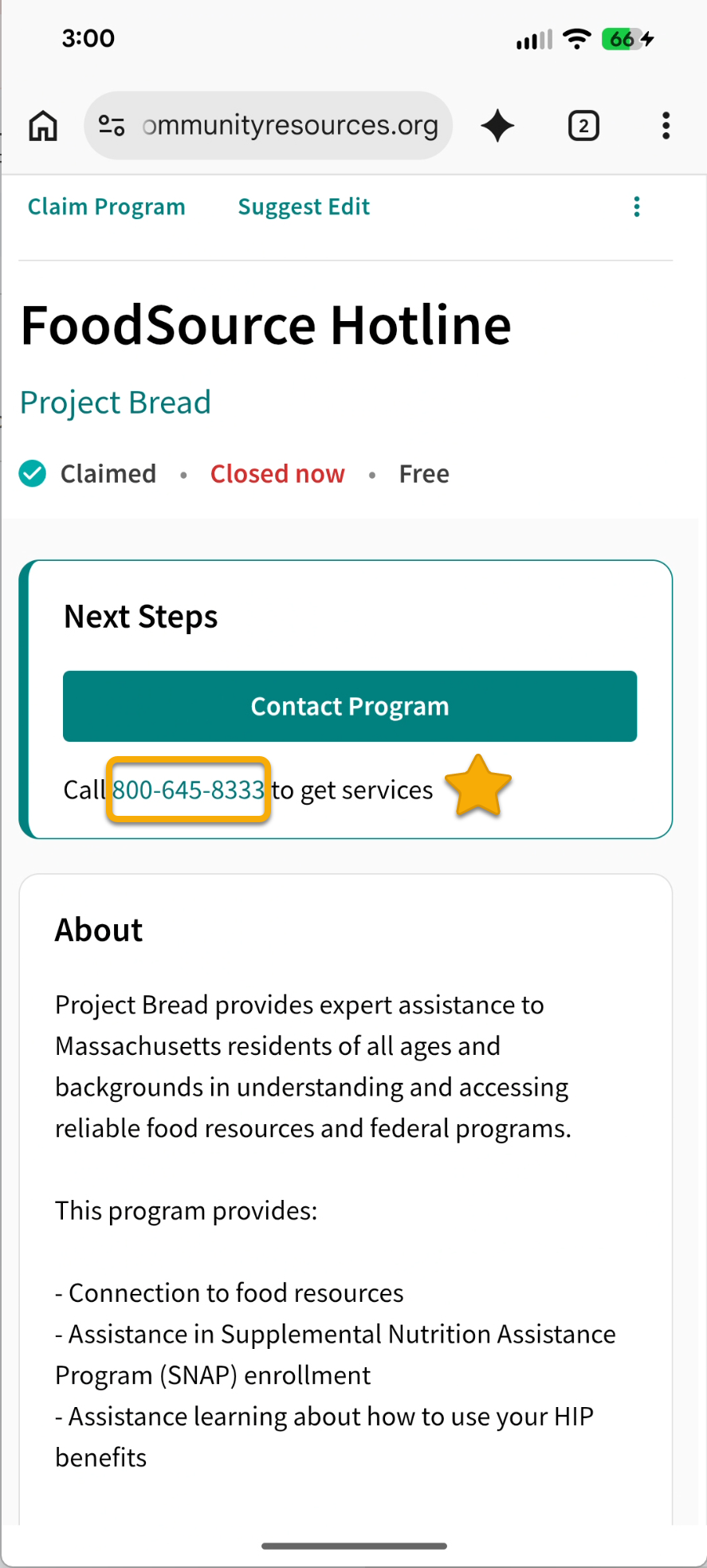
To call a program you found: tap the phone number on the program card. Your phone will open the dialer.
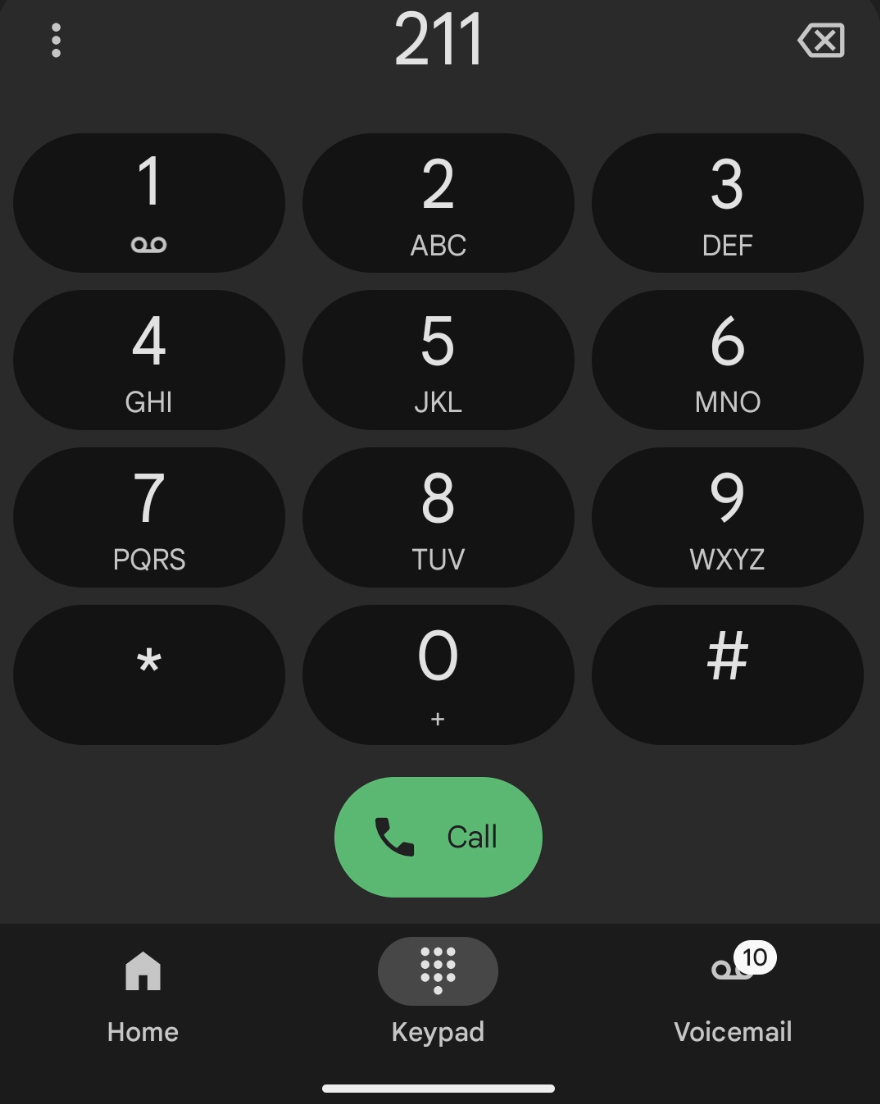
For more help finding resources, dial 2-1-1 on your phone. A live person can help you find what you need. You can save 2-1-1 in your phone contacts so you always have it.
Practice
In this section, you will help a character find a community resource. This is a safe place to practice. You are not using your own information, and you cannot break anything.

Help Marcus
Marcus is looking for food assistance. He knows he can use MassThrive to find help, but he can’t remember how to look for resources near his house.
Question 1
Where would Marcus tap first to look for resources near his home?
Question 2
What are some ways Marcus can find resources for things like food and rent? Choose all that apply.
A) Go to the MassThrive website.
Correct! Marcus can go to the MassThrive website to find resources any time.
B) Call 211.
Correct! If Marcus wants to talk to someone about resources, he can dial 211.
C) Go to the Resources section in his MyChart menu.
Correct! Marcus can access MassThrive along with other health-related resources in MyChart.
Question 2
Marcus tapped the phone number on a program card. What will happen next?
A) Marcus will be logged out of the app.
Not quite. Marcus will not be logged out. Tapping a phone number opens the phone dialer. He can go back to MassThrive after the call.
B) The phone's dialer will open with the number ready to call.
Correct! On a smartphone, tapping a phone number opens the dialer. Marcus just needs to tap the green Call button to connect.
C) He needs to find a different phone to make the call.
Not quite. Marcus does not need a different phone. When he taps the number, his phone will open the dialer so he can call right away.
Do it yourself
Try it yourself! Find a community resource in your area. If you already searched MassThrive while working through this challenge, check those steps off, too.
I can find the link to the MassThrive website in MyChart.
I can change the language of the MassThrive website.
I can search for resources near me.
I can find the contact information for helpful organizations.
I can call 211 to talk to a person about how to get help.
Survey
Your answers to these questions will help us make the toolkit better for everyone.
Need help right now?
For assistance with MyChart, call BMC MyChart Support at 844-635-1390 or ask your clinic staff at your next visit. For telehealth support, call 617-638-6870 or 423-207-4554.
If you need help with food, housing, transportation, or other social services, visit massthrive.org to find a directory of programs available in your area in more than 100 languages, or dial 2-1-1 from any phone to be connected to local services for food, shelter, and more.
*All images are AI-generated.