Nondiscrimination Policy Update

Boston Medical Center Health System complies with applicable Federal civil rights laws and does not discriminate on the basis of age, race, color, national origin (including limited English proficiency and primary language), religion, culture, physical or mental disabilities, socioeconomic status, sex, sexual orientation and gender identity and/or expression. BMCHS provides free aids and services to people with disabilities and free language services to people whose primary language is not English.

To read our full Nondiscrimination Statement, click here.

What is Telehealth?

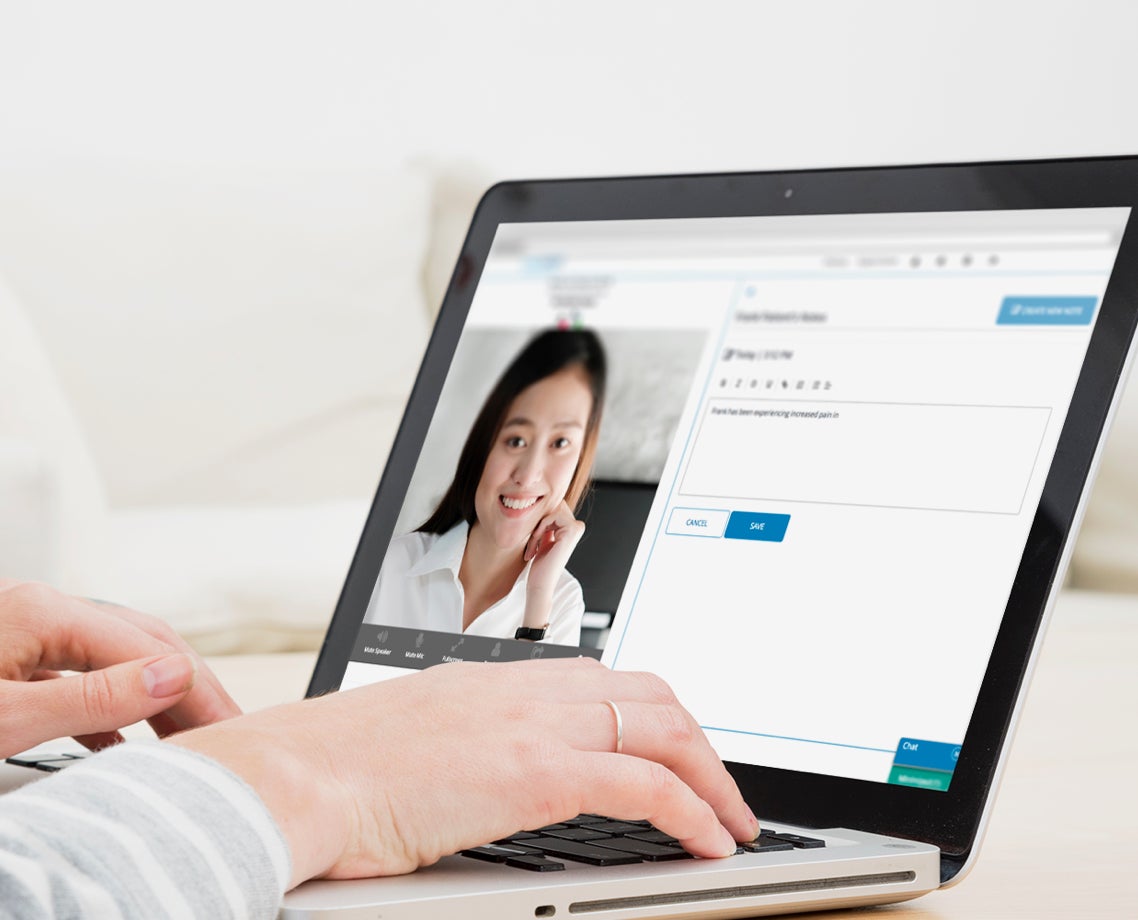
Want to get your health care from the comfort of your own home? BMC offers telehealth visits, which can help you manage your health and stay connected with your care team safely and conveniently.

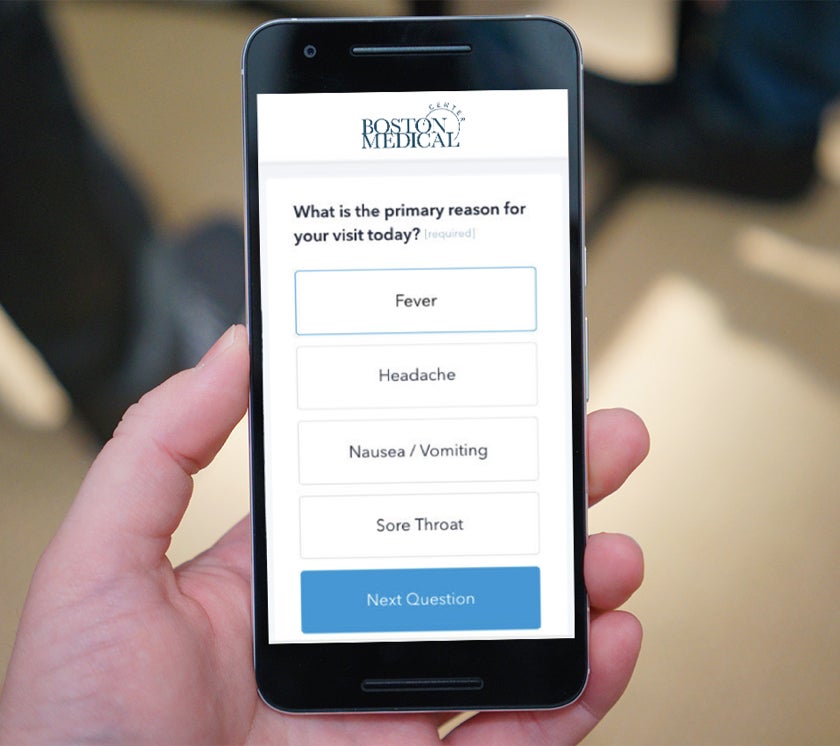
If you need to see your provider, you can have a telehealth visit through a computer, tablet, or smartphone. And to stay connected in-between visits, you can use MyChart, our patient portal, to message your care team and get information about your health.
Get Started

Setting Up a Telehealth Visit

The best way to set up a telehealth visit is to call your provider's office. You can also request a visit through MyChart or ZocDoc.

Just prior to your visit, you’ll get an email and text message with the details of the appointment and a link you’ll need to start the visit. You can also join the visit through MyChart.

Visit MyChart

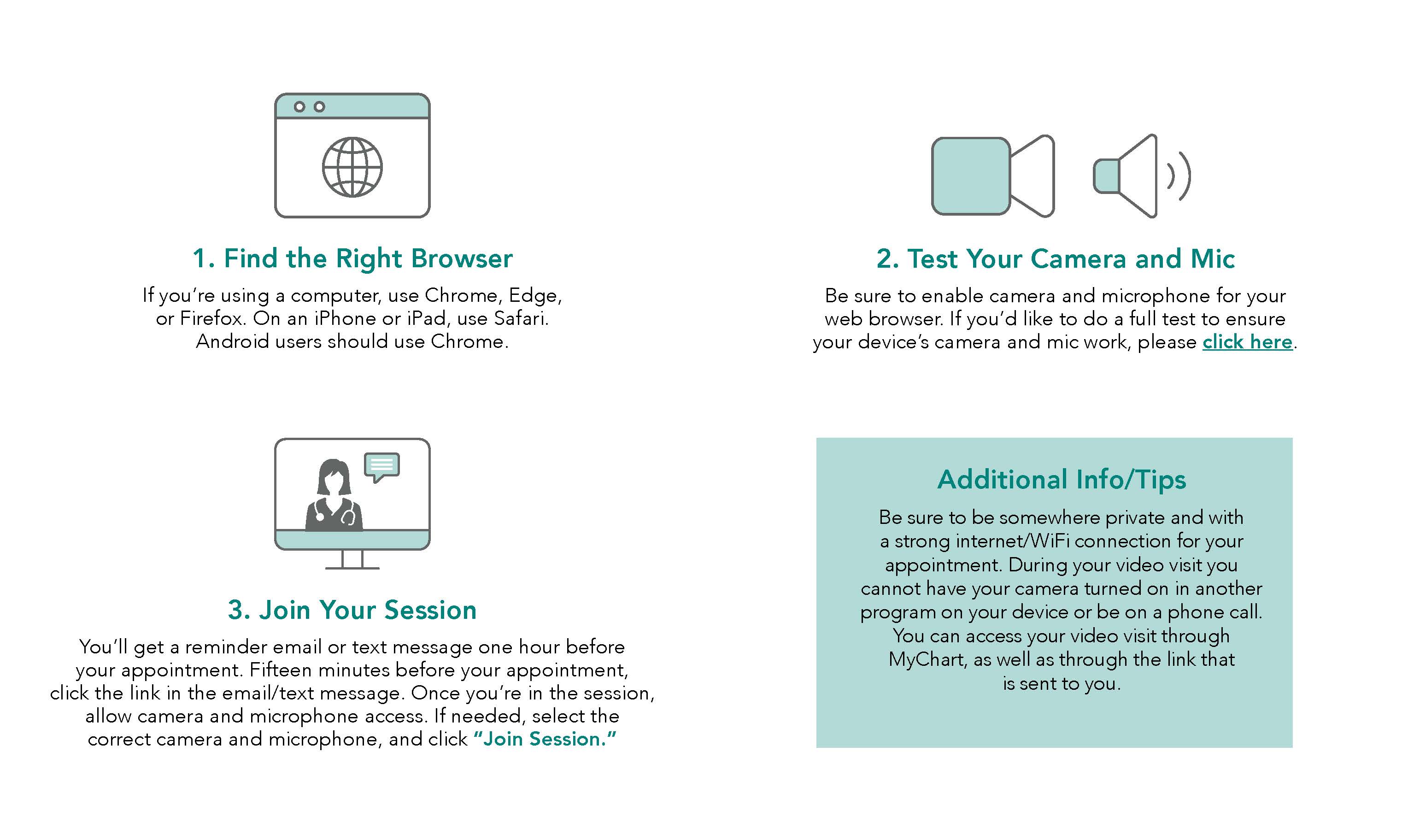
When it's Time For Your Visit, Follow These Simple Steps
For help before your appointment, please call 617.638.5220.

Frequently Asked Questions about Telehealth

What if I need additional help?

If you need additional help, download our troubleshooting guide.. You can also call 617.638.5220 before your appointment.

How do I schedule a telehealth visit with my provider?

Either call your care team’s office or log onto MyChart to request a telehealth visit.

What do I need to have to do a video visit?

You need a computer, tablet, or smartphone with a camera and microphone and a way to access the internet. The scheduler will make sure you have everything you need.

What if I don't have what I need for a video visit?

Please call your provider's office to let them know that you don't have the ability to have a video visit. They will arrange for you to switch to a phone or in-person visit instead.

Will my scheduled in-person appointment be changed to a telehealth visit?

If you would like to switch to a telehealth visit, please call your provider's office or send your provider a MyChart message to see if this would be possible. During this time, your provider may also call you to see if you want to switch to a telehealth visit.

How do I know if my visit if in-person or a telehealth appointment?

When you make your appointment, your care team’s office will tell you if the visit is in-person or a telehealth visit. You’ll also get text messages and emails confirming your visit and what type of visit you’ll have. If you forget what kind of appointment you’re having, please use MyChart to review upcoming appointments or call your care team’s office at least one day before the appointment to check.

How do I start my telehealth visit?

One hour before your appointment, you’ll get an email or text message with a link you should use for your visit. Fifteen minutes before your appointment, click on the link, using the device (computer, phone, iPad, etc.) that you plan to have your appointment on. This will connect you with your provider. You can also log in to MyChart to connect instead of clicking the link that is sent to you.

What if my video or sound isn't working during my visit?

Be sure that you gave permission to your web browser to access your camera and microphone, and that you have a strong connection (internet is recommended over cellular data). If you can’t hear or see, your provider will ask you if you would like to switch to using the phone, confirm your phone number, and call you back.

What do I do if I need an interpreter for a telehealth visit?

When you are setting up your visit, please tell the scheduler that you will need an interpreter. Your provider will have an interpreter join your video call during your scheduled appointment. We also have the option for captioning on your video visit. To turn on captioning, click Advanced Settings in Hatch and toggle the live captions switch.

How much does a telehealth visit cost?

Currently, most insurance companies cover telehealth visits with the same co-pay you would have for an in-person visit. If you have questions, please contact your insurance provider.